
If your business website is getting traffic but you’re just not converting, then you might have a systems problem.
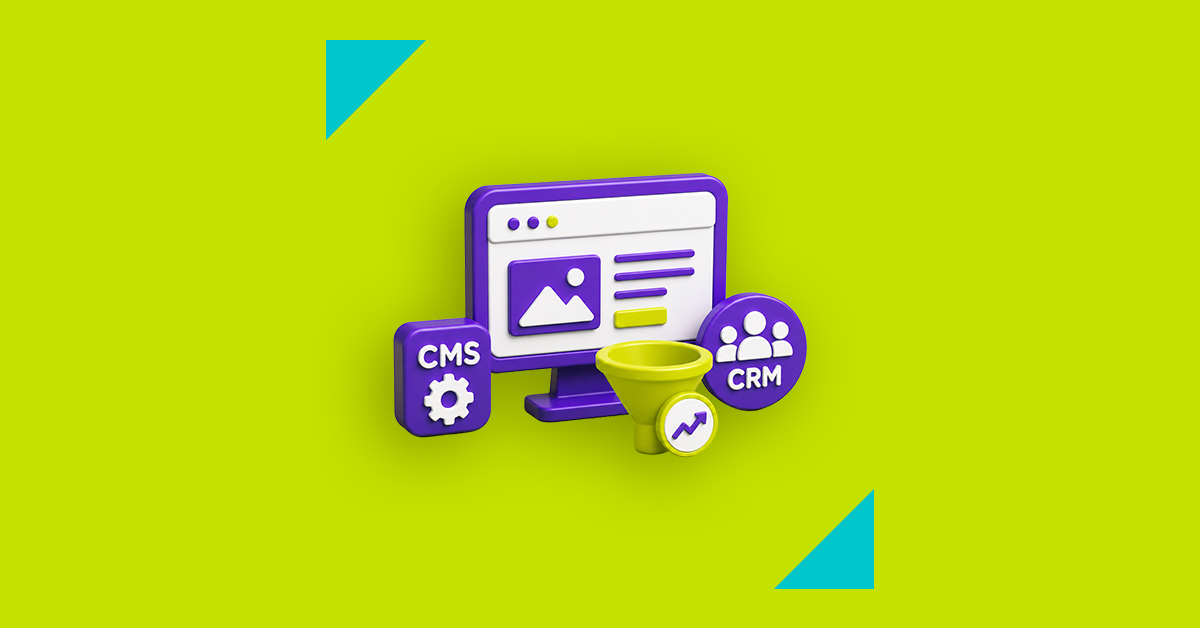
You might be wondering why you’re getting visits, but not turning them into leads. If this is the case, then there’s a gap between your CMS, CRM, and CRO. These three aspects need to lean on each other and work together.
A CMS is your content management system. It helps you create, manage, and publish website content. A CRM is your customer relationship management system. It stores lead and customer data and tracks interactions across sales, marketing, and service. CRO stands for conversion rate optimisation. This is the ongoing work of improving pages, journeys, and offers so that more visitors take action. These are not just tech terms. They are revenue tools.
For a growth-focused business, the website should do more than look aesthetically pleasing. It should attract the right traffic, track the intent of its visitors, pass usable data into the pipeline, and improve conversion rates over time.
Your CMS Doesn’t Stop at Blogs
Content management systems may seem like they’re just back-end tools for blogs and page edits. However, you can do much more than that.
A good CMS shapes how quickly and effectively you can do the following:
- Launch landing pages.
- Update content.
- SEO Implementation and support.
Google’s content guidelines are clear about the fact that content should be created for people first, and websites should make it easy for search engines to crawl and understand content. That means your CMS choice directly affects organic visibility.
The bottleneck in a business website is not ad spend. It is the publishing speed. For instance, your business wants to launch a new offer, your legal department wants edits, a blog post needs to be published, and sales wants a new lead magnet. If every change needs a developer and your CMS platform does not allow efficient changes, content velocity slows down. When that happens, campaigns go live late, pages stay outdated, and revenue leaks quietly.
CMS does more than let you publish and edit blogs. It serves as a commercial operations layer, controlling the following:
- Modular content blocks.
- Page governance.
- Schema options.
- Internal linking flexibility
- Landing page production.
These elements influence your website’s rankings, message match, and conversion rate.
Converting Leads With CRM
Customer relationship management helps the business organise contact records, sales activity, lifecycle stages, and follow-up history across teams. Without that, the website may generate enquiries, but no one can tell which pages brought pipeline, which campaigns drove SQLs, or which lead sources close best.
A proper website CRM integration for a small business ensures that the site pushes lead data into one system. It tracks source, medium, landing page, offer, and behaviour. It can score leads, route them faster, and trigger automation. It also helps sales teams respond in context.
CRM data should shape website strategy, not just sales reporting. If your CRM shows that leads from pricing pages close faster, your CMS should make those pages easier to find. If CRM notes show that prospects keep asking the same question on discovery calls, your content team should build pages that answer it. If one service attracts poor-fit leads, your conversion rate optimisation should filter them out before they hit sales.
Using CRO for Hidden Revenue
Conversion rate optimisation investigates what is stopping a user from completing a desired action. It looks at friction, trust, intent, sequencing, and user psychology. It studies where good leads hesitate and works on improving the path between interest and action.
The CRO process involves testing and improvement of page elements and journeys. This allows your website to gain more than just traffic, but increase your revenue by making your existing traffic profitable.
It’s crucial to maintain practicality and reasoning in marketing. Don’t expect too much from users without giving enough. If your landing page pushes a “Book a demo” CTA before answering basic questions or providing essential information, you’re asking for too much.
You can start small with your CRO fixes. Here are a few examples:
- Stronger offer-message match between ad and landing page.
- Fewer form fields on high-intent pages.
- Clearer trust proof near the CTA (examples include client logos and testimonials).
- Better page depth for comparison-stage buyers.
- Tighter internal links from blog content to service pages.
- Segmented calls to action for cold and warm traffic
It is crucial to get the basic CRO best practices out of the way and ensure you have identified all potential conversion blockers.
CMS, CRM, and CRO Should Work as One System
Your CMS attracts and shapes traffic. Your CRM qualifies and tracks value. Your CRO improves the journey between click and conversion. When the three work together, the website becomes a revenue engine.
Picture a marketing agency or any B2B business that publishes industry pages through its CMS, routes enquiries into a CRM with source tracking, and then uses CRO findings to improve the highest-intent pages. Over time, the business learns which topics attract good-fit leads, which offers convert best, and which friction points lower close rate. That feedback loop is hard to copy. It becomes a growth advantage.